





Details
Compatibility: Bagisto v2.0.0
Created: 16 Aug 2024
PHP: 8.1 or higher
Composer: 2.6.3 or higher
Support: User Guide
Features
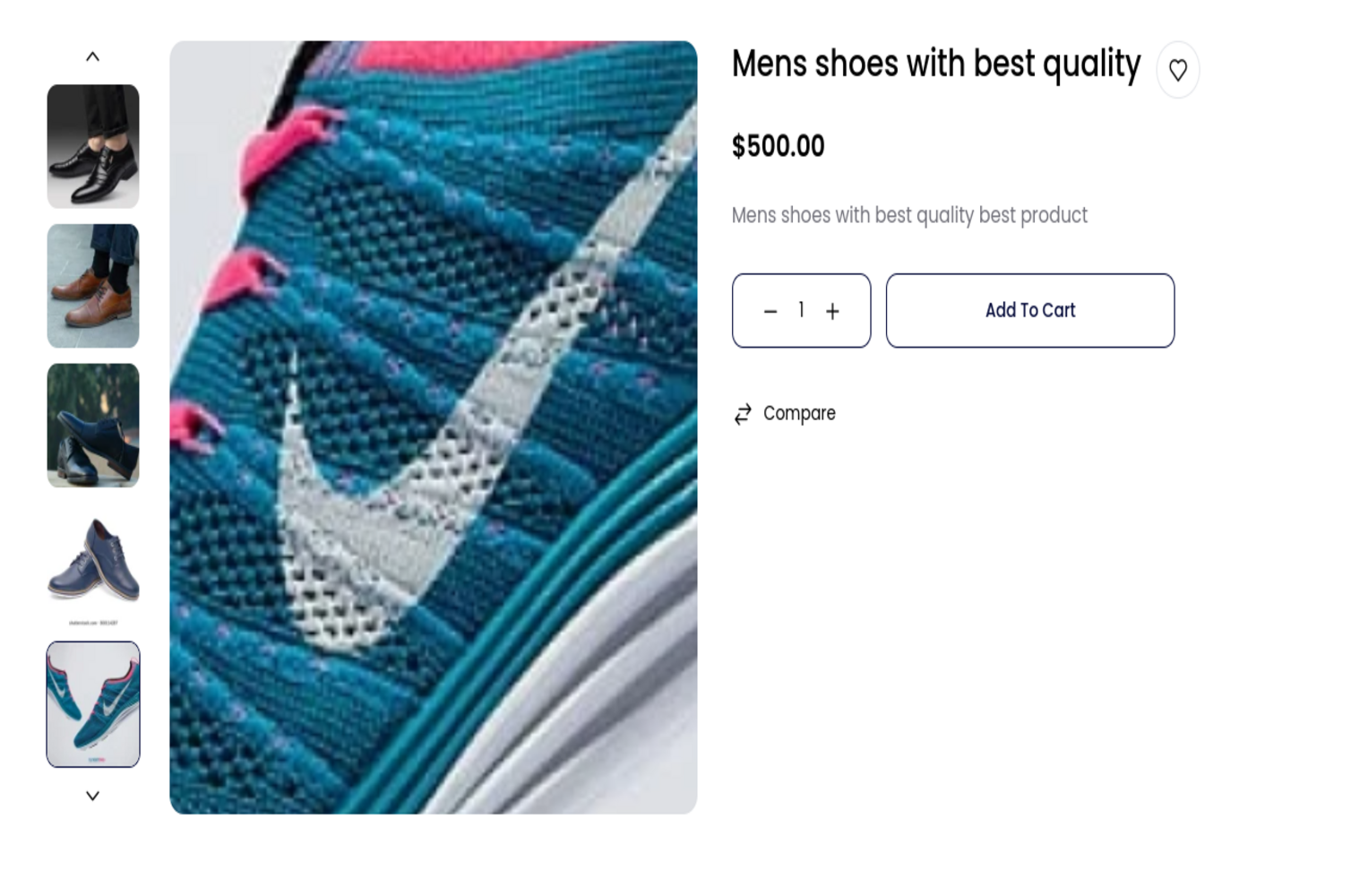
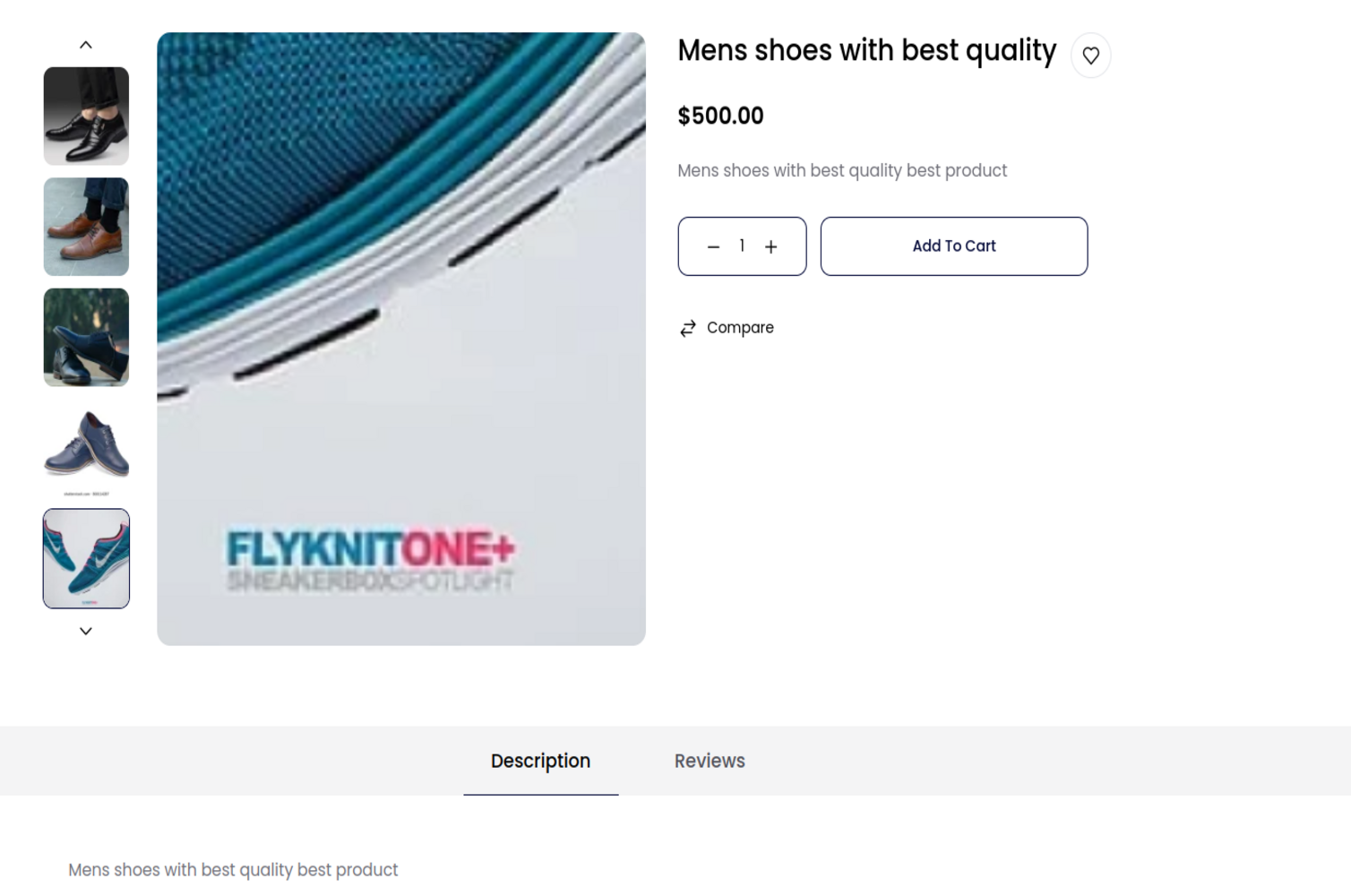
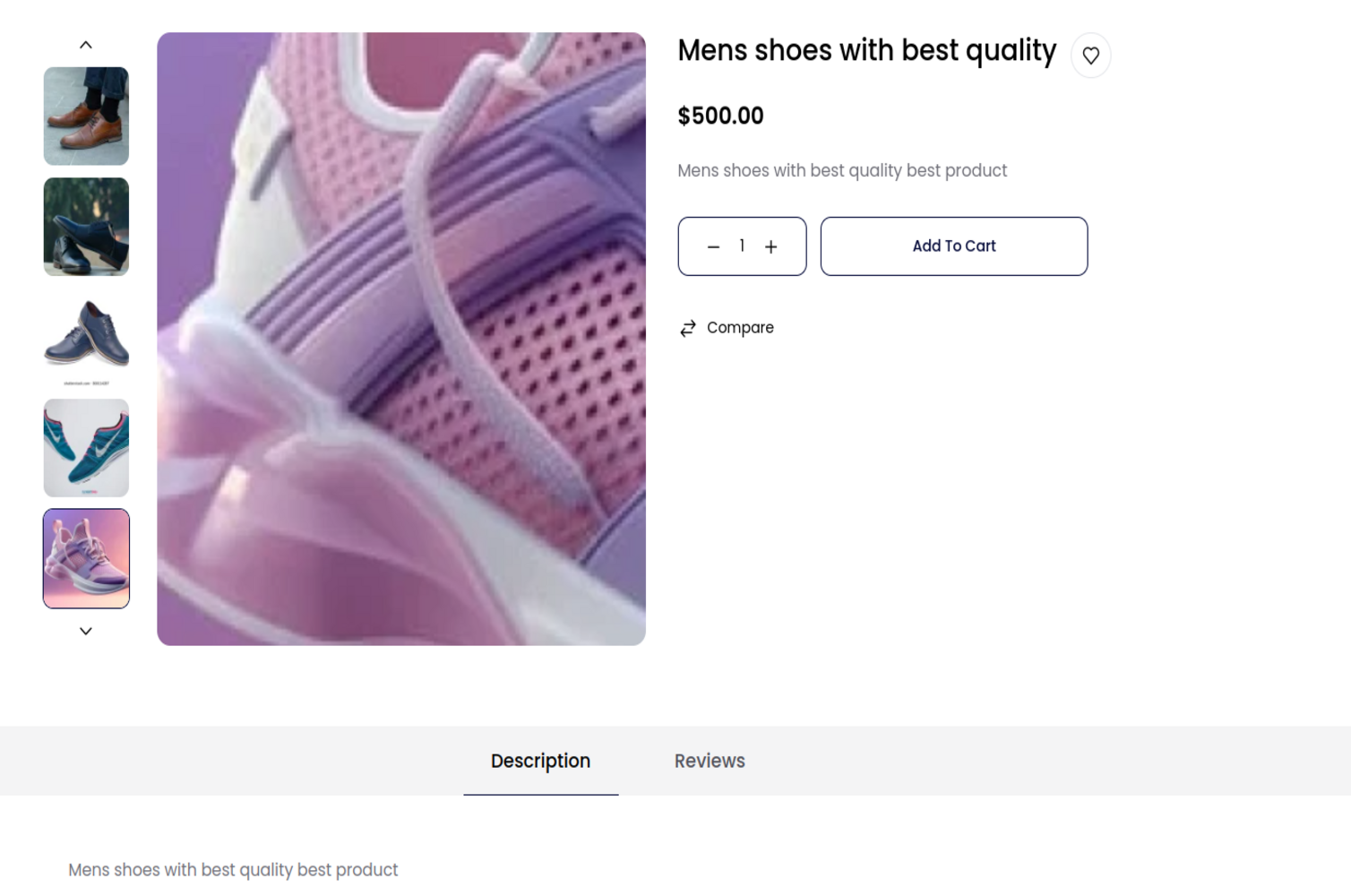
- Magnified Image View: Allows customers to hover over the product image to see a zoomed-in view, offering a closer look at product details.
- Responsive Design: Fully responsive and works seamlessly on various devices and screen sizes.
- Smooth Animation: Provides a smooth zoom effect with minimal loading time for an enhanced user experience.
- Compatibility: Designed to work with Bagisto versions v2.2.2 and v2.0.0, ensuring broad usability across different installations.
- Easy Integration: Simple to install and integrate into existing Bagisto stores with minimal configuration needed.
- Lightweight: Optimized for performance to ensure quick loading times and a seamless user experience.
Benefits
- Improved Customer Experience: Allows customers to get a detailed view of the product, helping them make more informed purchase decisions.
- Increased Engagement: The interactive zoom feature can engage customers and keep them on your site longer.
- Enhanced Visual Appeal: Adds a modern touch to your product pages, making your store look more professional and appealing.
- Increased Engagement: By providing a clearer view of the product, you can potentially reduce returns and increase conversion rates.
- Seamless Performance: Optimized for both performance and usability, ensuring that the zoom feature works smoothly without impacting site speed.
About the Extension
Enhance your customer's shopping experience with our Product Image Zoom Extension for Bagisto. This extension allows users to see a magnified view of the product image on hover, providing a detailed and interactive visual of the product.

There are no reviews yet.